

 by Asim Abbas
 14 November 2026

Self Assessment forms explained: SA100 to SA109 and the SA302
Self Assessment forms explained: SA100 to SA109 and the SA302
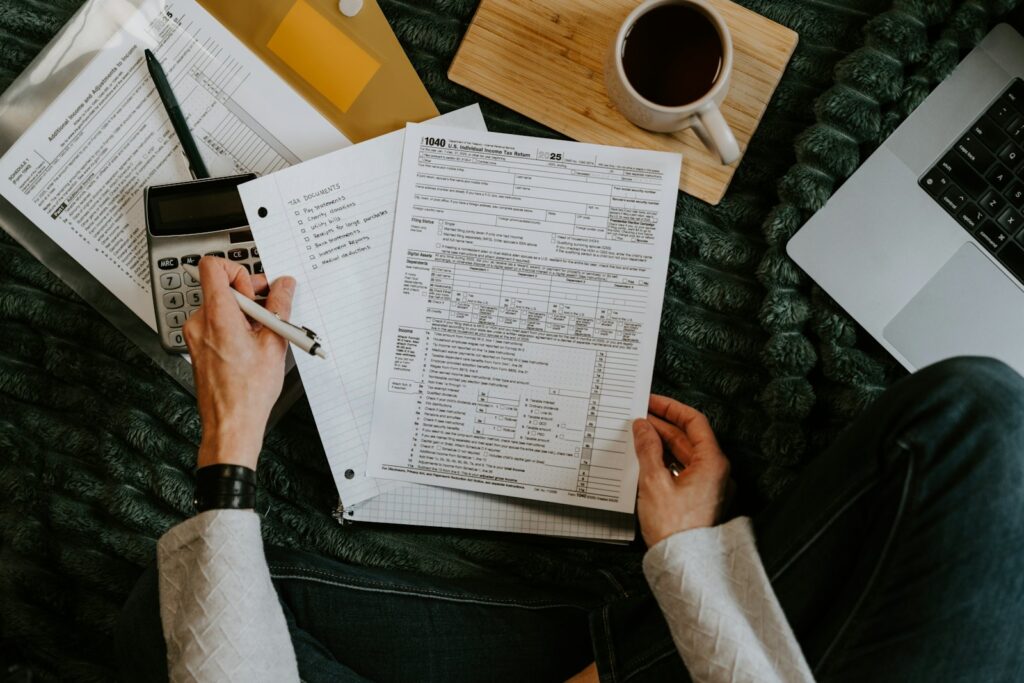
HMRC splits the tax return into a main form and supplementary pages. This guide explains what each one is for, so you know which pages apply to you.
- SA100 is the main return everyone completes.
- Supplementary pages cover each income type.
- Filing digitally picks the right pages for you.
- The SA302 is a tax calculation, not a form you fill in.
In this guide, we cover the main return: sa100, the supplementary pages and what is an sa302?.
The main return: SA100
The SA100 is the core tax return. It covers your personal details, interest and dividends, pension contributions, Gift Aid and some reliefs. Everyone filing a Self Assessment return completes it.
If you file using HMRC’s online service or software, you’ll answer questions and the right supplementary pages are added automatically. Paper filers need to order or download each page separately.
The supplementary pages
SA101: Additional information
Used for less common items, such as some types of savings income, life insurance gains, share schemes and certain reliefs.
SA102: Employment
For income from a job or directorship, including benefits in kind and employment expenses. You’ll need your P60 and any P11D.
SA103: Self-employment
For sole traders. There’s a short version (SA103S) for simpler businesses and a full version (SA103F) for others. Our SA103 guide explains which to use.
SA104: Partnership
For your share of profits from a business partnership. The partnership itself also files its own return.
SA105: UK property
For rental income from UK property, including furnished lettings and rent-a-room above the exempt limit. See our SA105 guide.
SA106: Foreign
For overseas income and gains, and to claim credit for foreign tax you’ve already paid.
SA108: Capital gains
For gains and losses on shares, property, crypto and other assets. Our SA108 guide covers what to include.
SA109: Residence and remittance
For people who are non-resident, split-year or claiming the new foreign income and gains regime.
Not sure which pages apply?
Use our calculator, then let us prepare the full return.
Fixed-fee accountancy support
Transparent monthly packages for sole traders, landlords and limited companies. Fixed fees agreed upfront, VAT included.
Get a fixed-fee quoteCall 0161 531 4179What is an SA302?
An SA302 is the tax calculation HMRC produces from your return. It isn’t something you fill in. Mortgage lenders often ask for your last two or three SA302s, along with matching tax year overviews, to confirm self-employed income.
You can download both from your HMRC account once the return has been processed. If you need help pulling them together, see our SA302 and mortgage document service.
What should I do next?
Each one points to a page.
P60, rent records, sale details.
We pick the right pages.
Frequently Asked Questions
Do I need to fill in every supplementary page?
No. You only complete the pages that match your income. Filing digitally asks screening questions and adds the right ones for you.
Can I still file a paper return?
Yes, but the deadline is earlier: 31 October instead of 31 January. Most people find digital filing quicker.
Where do I find my SA302?
In your HMRC personal tax account, under Self Assessment, once the return has been processed. Your accountant can also download it for you.
Which page do I use for crypto?
Gains on disposals go on SA108. If you’re trading on a large scale, the income may belong on self-employment pages instead, so take advice.
Need help with this? Wingate Accountants offers fixed-fee online accountancy support across the UK. Call 0161 531 4179 or request a quote at wingateaccountants.co.uk.
About the Author
Stephen Reynold
I’m Stephen Reynold, an accountant at Wingate Accountants. I work with sole traders and small companies, turning tax rules into clear, practical next steps.